What Happens to Your Data After You Cancel
Cancelling starts a clock written on a policy page, not in the cancellation dialog. Zendesk waits 90 days then deletes in stages, Mailchimp offers a pause instead, Dropbox may delete files that no longer fit. Read from four vendor pages on October 13, 2026.
This article is a documentation review: it is based on the vendors' own published pages, checked on the date shown. We may earn a commission from some links; it never affects what we recommend.

The cancellation button is the one part of a subscription nobody reads about in advance. Yet each vendor publishes a schedule for what happens next, and the schedules are nothing alike. One waits 90 days before deletion even begins. One makes deletion immediate and final.
One keeps your files but may remove them if they no longer fit the free tier. This note reads the Zendesk, Mailchimp, Dropbox and Notion policy pages on October 13, 2026, and turns them into a checklist to run before you cancel anything.
Zendesk publishes the most detailed clock
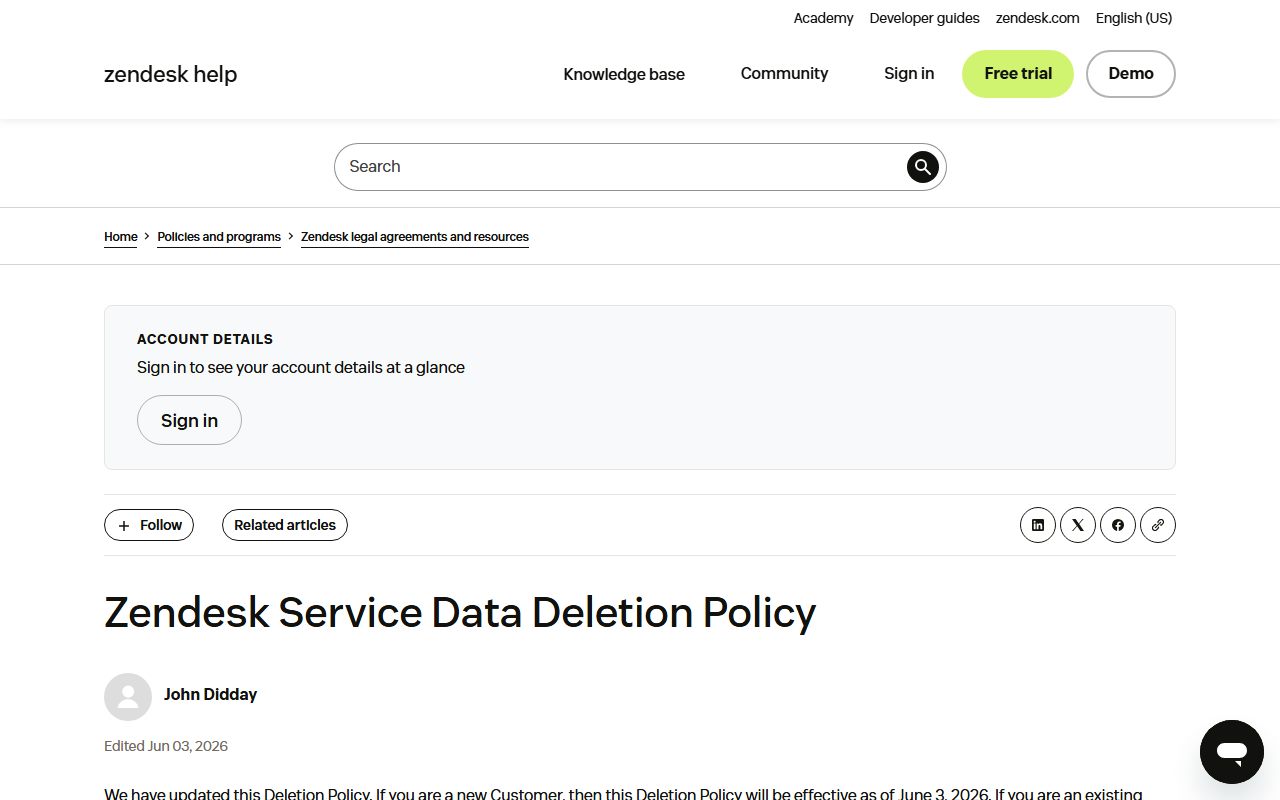
Zendesk's Service Data Deletion Policy states that an automated deletion process begins 90 days after an account is cancelled or terminated, and that once commenced the process cannot be reversed.
After the process starts, the timings differ by data type. Ticket Data, User Data and Attachments are deleted 40 days later. Analytics Data takes 90 days. Backups of ticketing, help centre and community data take 130 days, and logs take 365 days.
Live Chat has its own figures: 90 days for backups and 180 days for logs. For Sunshine Conversations, deletion commences within 60 days for structured service data and 90 days for unstructured data.
The practical reading is that the 90 days before deletion starts is your window, and it is the only number that helps you. Everything after it describes Zendesk's internal cleanup, not your access.
Usage data matters here too, because it is the audit trail for what the meters charged you. The units are set out in per seat, per contact or per credit billing.
Mailchimp sells you a pause instead
Mailchimp's account page offers pausing as an alternative to closing. A pause runs for 3 months or 6 months, you are limited to 2 pauses every 12 months, and the page states that pausing retains your data so you can use the account again.
During a pause you can still create and edit emails, view reports and manage your audience. Billing stops for the marketing plan, which makes a pause the cheapest way to keep a list intact through a quiet quarter.
Deletion is the opposite. The page states that all data associated with audiences, campaign archives and reports is removed, that the account is permanently closed and cannot be restored, and that outstanding balances must be settled first.
There is no stated grace period, so export first. An audience is also the asset a vendor charges you for, as we set out in what contact limits mean in email marketing tools.
Dropbox keeps the files, then may remove them
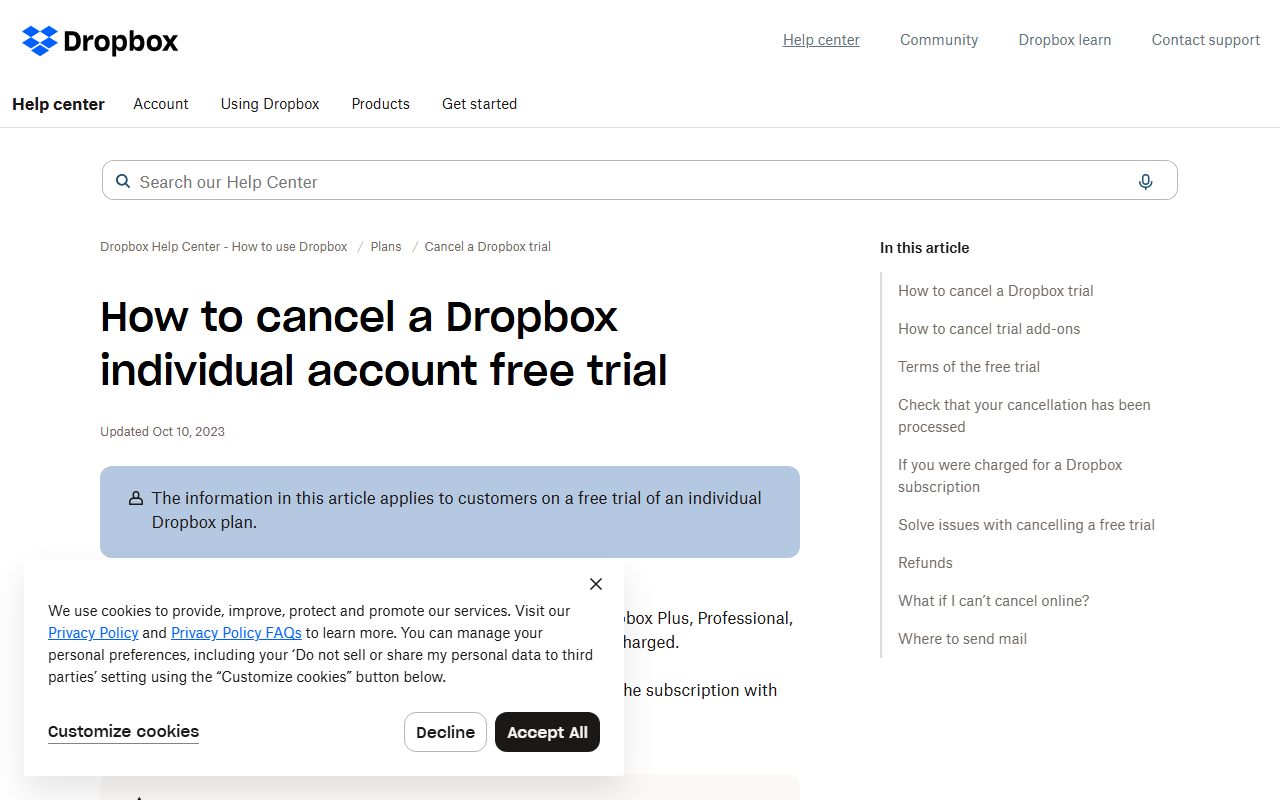
Cancelling a Dropbox trial or subscription moves the account to the free Dropbox Basic plan, which includes 2 GB of storage. The timing depends on payment method: at the end of the trial period for a card, immediately for PayPal.
Over that 2 GB you may not be able to sync, upload, share, move or preview files and folders. The page goes further: if the account remains over the limit, Dropbox may delete files you own to bring it below the limit.
Recovery after cancellation is 30 days for deleted files and earlier versions. That is the Basic window. While subscribed, the plans page lists 180 days of history on Standard and one year on Advanced, so cancelling shortens the safety net as well as the quota.
This is the case where downgrading is more dangerous than cancelling outright, because the data keeps living in a container that is now too small for it.
It is also the clearest argument for reading the free tier's limits before you rely on it, the exercise behind free trial or free plan.
Notion gives you 30 days, twice
Notion's help page states that pages remain in Trash for 30 days by default before being permanently deleted. Once permanently deleted from Trash, they are retained for a further 30 days before becoming inaccessible to all users, even workspace owners.
The same page describes database backups that allow a snapshot of content from the past 30 days to be restored on request. Treat that as a support favour with a deadline, not a feature you control.
Version history is shorter and tied to the plan: 7 days on Free, 30 days on Plus, 90 days on Business and unlimited on Enterprise. Downgrading a plan shortens that history, which is a quiet way to lose the ability to undo.
Plan limits like these are the reason a free tier is rarely a safe long-term home for records, a point we made in how to compare CRM free plans.
Five things to do before you press cancel
- Export everything you would pay to recreate: contacts, tickets, attachments, reports and any file over the free-tier limit
- Find the vendor's own deletion or retention page, not the cancellation dialog, and write its dates into your calendar
- Check whether a pause exists, as at Mailchimp, and whether it is capped at 2 uses in 12 months
- Check the free-tier quota against your current usage, because Dropbox may delete owned files to fit it
- Settle outstanding invoices first, since Mailchimp requires it before an account can be deleted
Do the export before the billing period ends rather than after. An expired account can lose features such as bulk export while still appearing to exist, and support cannot always restore what the policy page has already scheduled for deletion.
Why this belongs in the buying decision
Retention terms are an exit cost, and exit cost belongs in the comparison that precedes a purchase. A tool with a 90-day window is a different risk from one that deletes on the day you leave.
That is especially true for anything metered, where usage data is the record of what you paid for. We set out the common meters in per seat, per contact or per credit billing.
It is also an argument for testing on a trial with real but duplicated data rather than migrating everything at once, as weighed in free trial or free plan.
Bottom line
Four vendors, four clocks. Zendesk starts deleting 90 days after cancellation and cannot stop. Mailchimp deletes permanently, but sells a 3 or 6 month pause instead.
Dropbox keeps your files in a 2 GB box and may trim them to fit it. Notion gives 30 days in Trash and 30 more in backup. Only one of those four is a window you can plan around.
None of that is hidden; all of it is on pages nobody opens until it is too late. Open them the week you sign up, record the dates, and keep an export schedule that does not depend on a vendor's goodwill.
Frequently asked questions
How long does Zendesk keep data after cancellation?
Deletion begins 90 days after the account is cancelled or terminated, per the Service Data Deletion Policy checked October 13, 2026. Ticket data, user data and attachments are then deleted 40 days later, analytics after 90 days, backups after 130 days and logs after 365 days.
Can I get a Mailchimp account back after deleting it?
No. The help page states that after an account is deleted it is permanently closed and cannot be restored, and that all data associated with audiences, campaign archives and reports is removed. Pausing for 3 or 6 months retains data instead, up to 2 pauses every 12 months.
Will Dropbox delete my files if I cancel?
Possibly. Cancelling moves the account to Dropbox Basic with 2 GB, and the help page states that if the account remains over the limit, Dropbox may delete files you own to bring it under. Deleted files and earlier versions are recoverable for 30 days.
How long does Notion keep deleted pages?
Pages stay in Trash for 30 days by default, then are retained for a further 30 days before becoming inaccessible to everyone, including workspace owners. Version history is 7 days on Free, 30 on Plus, 90 on Business and unlimited on Enterprise.
Is pausing better than cancelling?
When the vendor offers it and the gap is short, yes. Mailchimp's pause stops billing while keeping audiences, reports and editing, for 3 or 6 months and no more than twice a year. Most vendors on this list publish no pause option at all.
When should I export my data?
Before the paid period ends, while every feature still works. Export tools can be restricted on expired or downgraded accounts, and the retention clocks above start at cancellation, not at the moment you notice something is missing.
Sources
- Zendesk Service Data Deletion Policy (90 days to commence, then 40, 90, 130 and 365 days by data type) (checked Oct 13, 2026)
- Mailchimp: Pause or Cancel Your Account (3 or 6 month pause, 2 per 12 months, deletion is permanent) (checked Oct 13, 2026)
- Dropbox help: cancelling reverts to Basic 2 GB, files may be deleted over the limit, 30-day recovery (checked Oct 13, 2026)
- Dropbox plans (180-day history on Standard, one year on Advanced) (checked Oct 13, 2026)
- Notion help: duplicate, delete and restore content (30 days in Trash, 30 further days in backups) (checked Oct 13, 2026)