What Happens When a SaaS Usage Limit Runs Out
Metered SaaS plans fail in four different ways when you cross the line: a hard stop, an automatic overage bill, a published per-unit rate, or frozen data. Read against Zapier, Mailchimp, PandaDoc, Airtable and Notion, as of October 2026.
This article is a documentation review: it is based on the vendors' own published pages, checked on the date shown. We may earn a commission from some links; it never affects what we recommend.
Every metered SaaS plan has a line, and the useful question is never where the line sits but what happens when you cross it. There are four published behaviours: the service stops, the vendor bills an automatic overage, the vendor charges a published per-unit rate, or your data freezes in place while access continues. The same company can use different behaviours for human usage and for API usage. This note sorts five vendors into those four buckets using their own pricing pages and FAQs as read on October 10, 2026. For the meters themselves, see per seat, per contact or per credit.
Learn the four behaviours before you read any plan table
A hard stop pauses the work until the next cycle. It protects the budget and breaks the workflow. Free tiers almost always behave this way.
An automatic overage keeps the work running and bills you later, usually at a rate the page does not spell out in full. It protects the workflow and exposes the budget.
A published per-unit rate is the honest middle: the page tells you exactly what the next unit costs, so you can decide whether to upgrade or absorb it.
A freeze is specific to data tools. Your records stay, the service stays up, but you cannot add more until you upgrade. Nothing is deleted and nothing is billed.
Zapier publishes the clearest overage rules of the five
Zapier makes the behaviour a setting. Its pricing page, checked October 10, 2026, states that with pay-per-task enabled, usage keeps running and extra tasks are billed at an overage rate; with pay-per-task disabled, usage stops once you reach your task limit until the next cycle.
The rates are published as multipliers rather than dollars. Monthly plans pay 2.5 times the base rate per extra task, annual plans pay 1.25 times. Annual billing therefore halves the penalty as well as lowering the base price.
There is also a ceiling. The page states that usage stops at 3 times your subscription limit, which caps the worst case at roughly double your plan in overage before the service halts.
On annual billing, Professional is listed at $19.99 a month for 750 tasks, $39.00 for 1,500, $89.00 for 5,000 and $129.00 for 10,000. Team starts at $69.00 for 2,000 tasks.
The Free plan is listed at 100 tasks a month with no overage option, which is a hard stop by design.
Mailchimp bills the overage automatically on paid plans
Mailchimp splits its behaviour by tier. The marketing pricing page states that on the Free plan, sending will be paused if the contact or email send limit is exceeded.
Free is listed at 250 contacts with a maximum of 500 sends a month, or 250 a day. That is a hard stop with no option to pay through it.
On paid plans the page states that overages apply if the contact or email send limit is exceeded, and adds that after your free trial, if you hit your contact or sending limit, Mailchimp will automatically bill you for your overages.
The send allowances scale with contacts rather than with dollars: 10 times contacts on Essentials, 12 times on Standard and 15 times on Premium. Essentials is listed from $13 a month, Standard from $20 and Premium at $350.
What the page does not publish is the per-contact or per-email overage rate. That is the gap to close in writing before you launch a campaign with an uncertain list size; the same question runs through what contact limits mean in email marketing tools.
PandaDoc prices the next document, then stops the API dead
PandaDoc is the clearest example of one vendor using two behaviours. Its pricing FAQ, checked October 10, 2026, says that when you reach the document limit you can upgrade or keep creating documents at a published rate.
Those rates are $3.50 per document on Starter Monthly, $2 for Starter Annual and $2.60 for Business Monthly. Additional documents appear on the next billing cycle, and licence upgrades are prorated for the remainder of the term.
API usage behaves differently. The FAQ states that API usage has no pay-per-document overage, and that once Usage Credits reach zero, API calls are rejected until you purchase more credits or upgrade. The account stays active and existing documents remain accessible.
The FAQ also confirms that unused documents do not roll over between billing periods, though annual plans allow the full yearly allocation to be used at any point. Plan buying on your peak month, not your average one.
- Hard stop: Zapier with pay-per-task disabled, Zapier Free at 100 tasks, Mailchimp Free at 250 contacts, PandaDoc API at zero credits.
- Automatic overage: Mailchimp paid plans, rate not published on the page.
- Published per-unit rate: Zapier at 1.25 to 2.5 times base, PandaDoc at $2 to $3.50 per document, Notion at $10 per 1,000 monthly credits.
- Freeze without deletion: Airtable record and attachment limits.
- Ceiling on the damage: Zapier stops at 3 times the subscription limit; no other vendor here publishes a cap.
Airtable freezes rather than bills, and that is a real difference
Airtable publishes the gentlest behaviour of the five. Its pricing page states that if you reach or are over the record or attachment limits, you will still be able to use your bases and the vendor will never remove your data.
The limits are published per plan. Airtable's plans document lists 1,000 records per base on Free, 50,000 on Team and 125,000 on Business, with attachment storage of 1 GB, 20 GB and 100 GB.
Automations are capped by count rather than by run: 75 unique automations per base on Free, 100 on Team and 150 on Business. A 25,000 monthly run figure appears only against the Team trial.
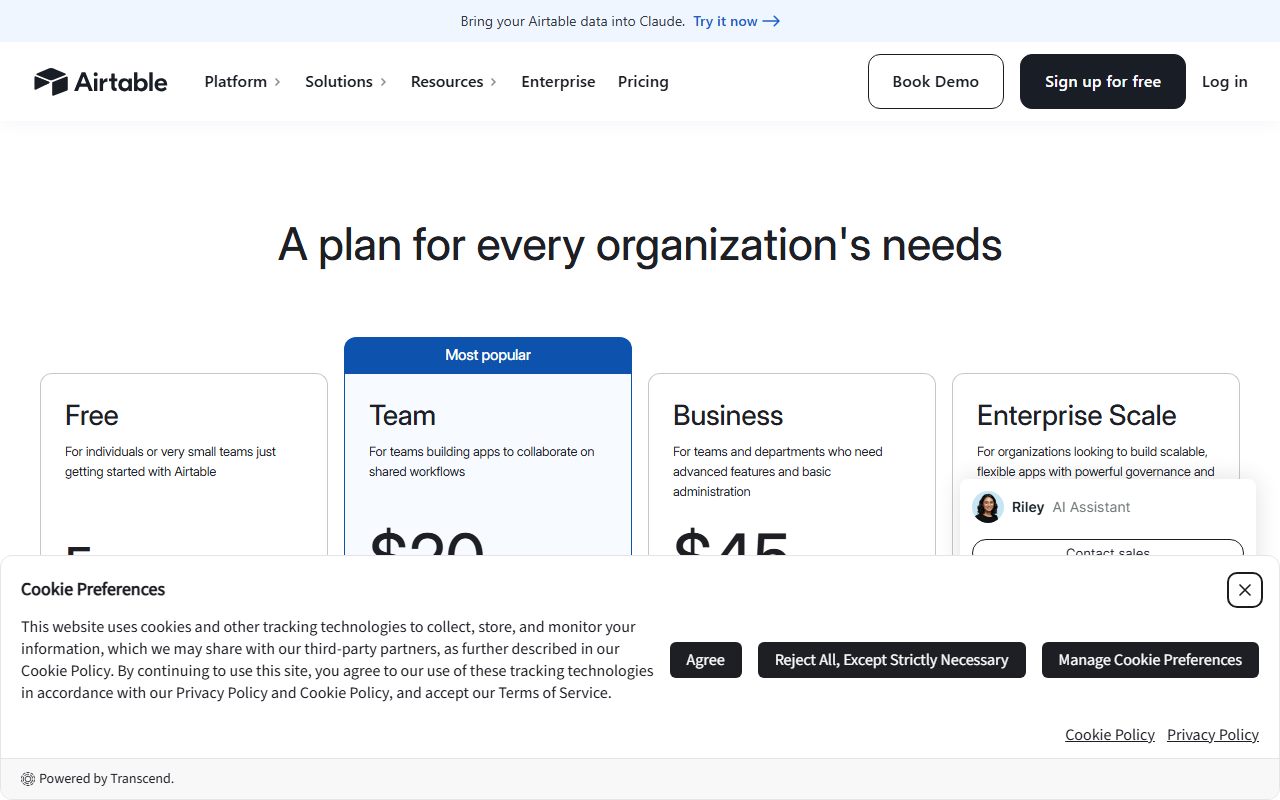
Seat prices are $20 per user per month on Team and $45 on Business, both billed annually. Airtable's documentation does not state what happens when an automation run cap is exceeded, so treat it as unpublished.
Notion sells the overflow as a credit pack
Notion handles AI usage as a separate purchase instead of an overage. Its pricing page describes agents as free to try, then $10 per 1,000 monthly Notion credits, checked October 10, 2026.
Custom domains work the same way, at $8 per month per domain paid annually or $10 paid monthly. Neither is bundled into the seat price.
That model is easier to forecast than an automatic overage and harder to forget than a hard stop, because the charge recurs until you remove it. Check your renewal statement for credit packs bought during a busy quarter.
Bottom line
Ask one question of every metered plan: when I cross the line, does the work stop, does the bill grow, or does my data freeze? Then ask whether the answer is different for software-driven usage.
Zapier is the only one of the five that publishes both an overage multiplier and a hard ceiling. Mailchimp is the only one that bills automatically without publishing a rate. Airtable is the only one that promises not to remove data.
Pick the behaviour that matches your tolerance, not the plan with the biggest allowance. Related reading: how to compare project management software pricing, how to compare CRM free plans, how to compare e-signature pricing and free trial or free plan.
Frequently asked questions
What does Zapier charge for tasks over your limit?
With pay-per-task enabled, extra tasks are billed at 2.5 times the base rate on monthly plans and 1.25 times on annual plans, and usage stops at 3 times the subscription limit. With pay-per-task disabled, usage stops at the limit until the next cycle, per the pricing page checked October 10, 2026.
Does Mailchimp charge overage fees automatically?
Yes on paid plans. The marketing pricing page states that after your free trial, if you hit your contact or sending limit, Mailchimp will automatically bill you for your overages. On the Free plan, sending is paused instead. The page does not publish the per-unit overage rate, as of October 10, 2026.
Will a SaaS vendor delete my data if I exceed a limit?
Airtable states on its pricing page that if you reach or exceed record or attachment limits, you can still use your bases and it will never remove your data, checked October 10, 2026. Not every vendor makes that commitment, so look for it in writing rather than assuming it.
Why do API limits behave differently from user limits?
Because vendors meter them separately. PandaDoc allows human document sending to continue at $2 to $3.50 per document, but states that API usage has no pay-per-document overage and that calls are rejected once Usage Credits reach zero, per its pricing FAQ checked October 10, 2026.
Does annual billing reduce overage charges?
At Zapier it does: annual plans pay 1.25 times the base rate per extra task against 2.5 times on monthly plans, as of October 10, 2026. PandaDoc also prices annual overage lower, at $2 per document on Starter Annual against $3.50 on Starter Monthly.
Sources
- Zapier pricing (task brackets, pay-per-task overage multipliers and ceiling) (checked Oct 10, 2026)
- Mailchimp marketing pricing (contact and send limits, overage wording) (checked Oct 10, 2026)
- PandaDoc pricing FAQ (per-document overage, Usage Credits, API rejection) (checked Oct 10, 2026)
- Airtable pricing (seat rates, data retention statement) (checked Oct 10, 2026)
- Airtable plans documentation (records, attachments and automations per plan) (checked Oct 10, 2026)
- Notion pricing (credit packs at $10 per 1,000, custom domain add-on) (checked Oct 10, 2026)